Cash & empties
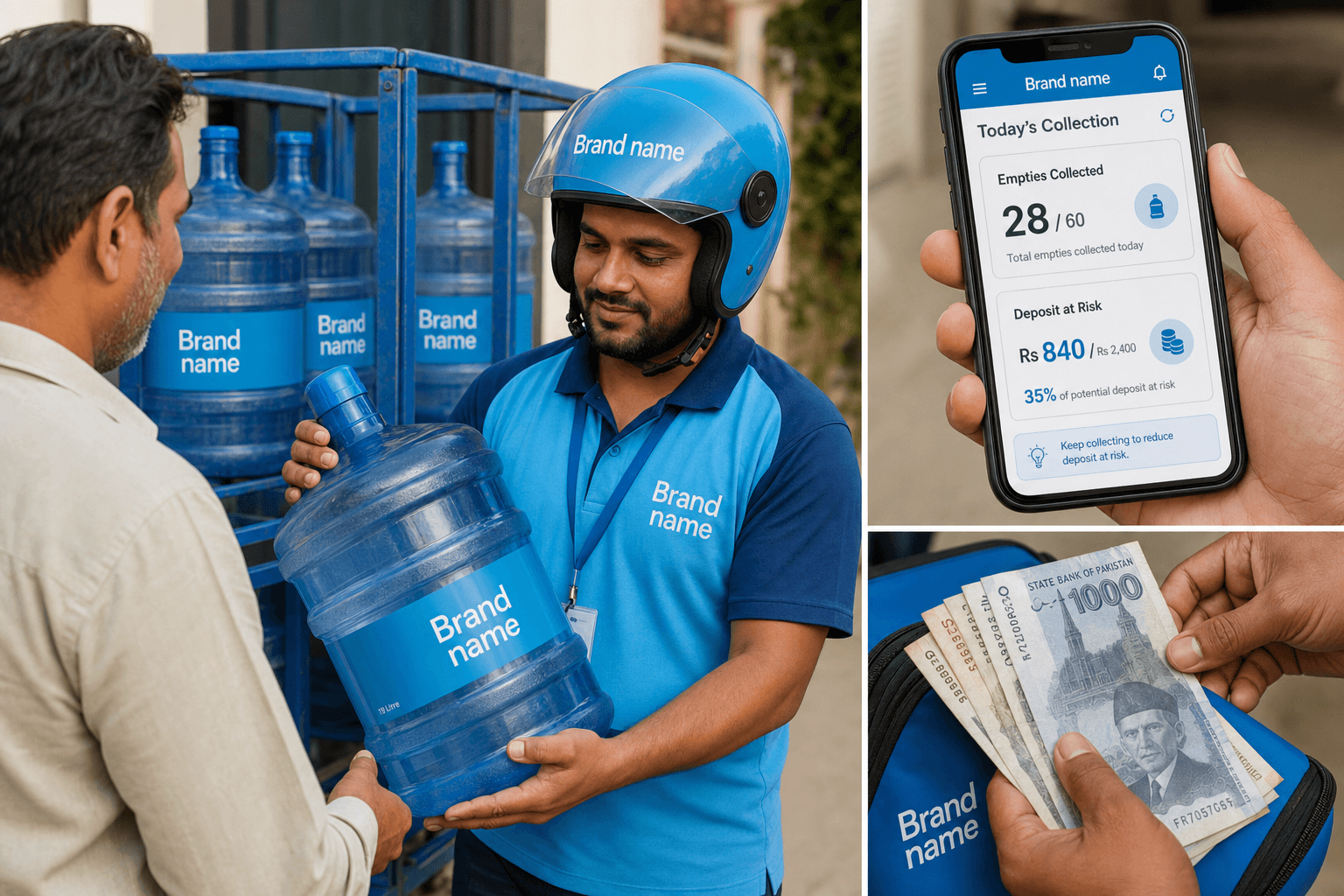
Collect cash outside deliveries, track bottles still with customers, and keep ledgers accurate.
Bottled water runs on deposits and returns. Payment In records cash collected without a delivery. Empties on every delivery form update the outstanding count. Expenses and ledgers keep the full money picture clear.
Watch how it works
Key points
- Payment In for standalone cash collection visits
- Empties returned on the delivery form reduce outstanding bottles
- Customer ledger shows every sale, payment, and running balance
- Expense screen logs depot costs like fuel, rent, and repairs
How it flows
Payment In (cash only visit)
- 1
Open Payment In
Admin menu, Payment In screen
- 2
Select customer
Who is paying today
- 3
Enter amount
Cash received against old balance
- 4
Post
Ledger balance drops, no bottles moved
Track empties
- 1
Customer holds bottles
Empties not yet returned count as outstanding
- 2
On delivery form
Enter empties returned today
- 3
Balance updates
Outstanding empties recalculated per customer
- 4
Empties report
See all bottles still out across the branch
Customer ledger
- 1
Open Reports
Customer ledger report
- 2
Pick customer
Or open ledger from customer profile
- 3
Review entries
Every delivery, payment in, and balance change
- 4
Share or print
Show customer their account history
Post an expense
- 1
Open Expense
Admin menu, Expense screen
- 2
Pick category
Fuel, rent, repairs, or custom category
- 3
Enter amount
Cash spent from depot float
- 4
Post
Expense logged for day book and reports