Production, purchases & reports
Fill bottles at your plant, buy materials from suppliers, and review sales and cash at end of day.
If you run your own filling line, use Production for recipes and batches. Purchases track PO to receipt to payment out. Reports give owners a snapshot without exporting to Excel.
Watch how it works
Key points
- Recipes (BOM) link raw materials to finished 19L bottles
- Purchase orders before goods arrive, receipts post stock at cost
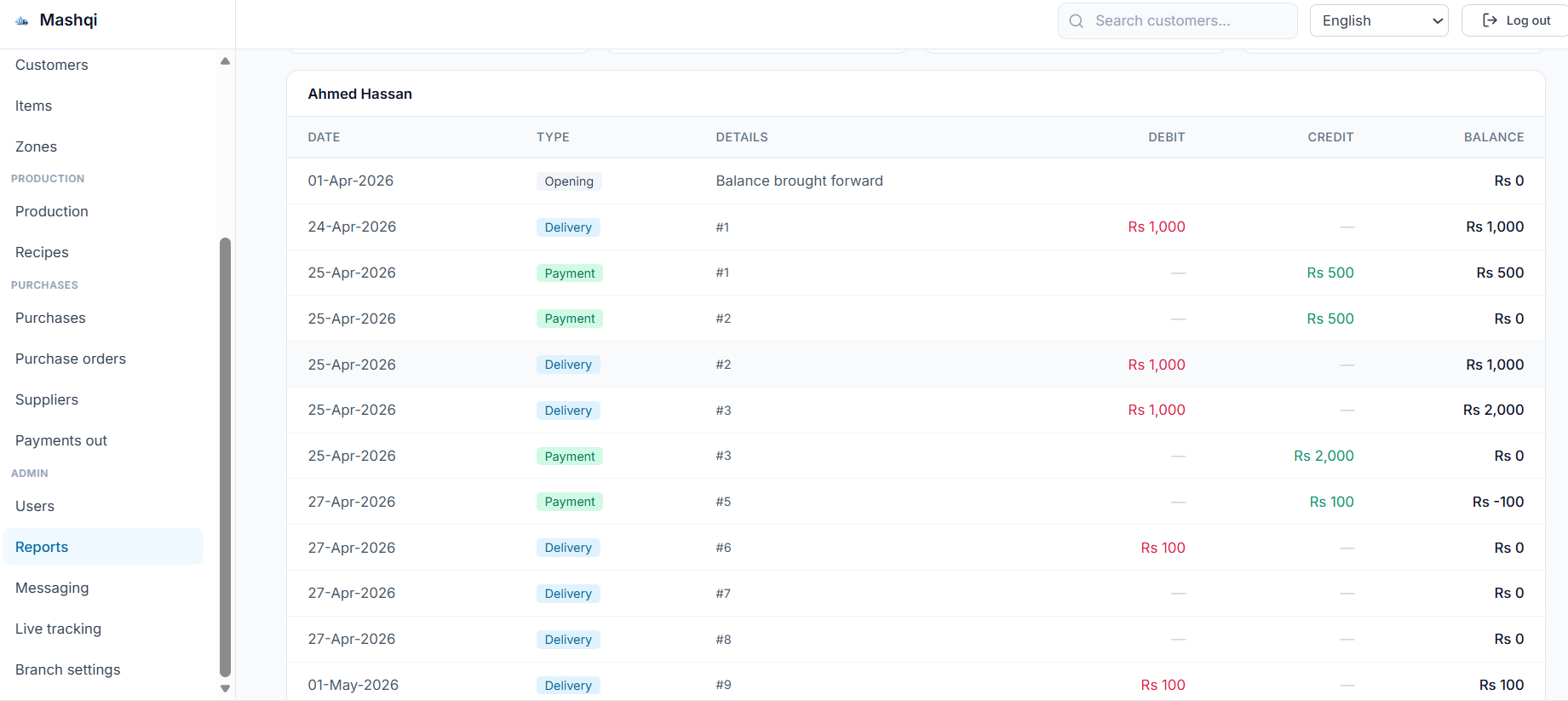
- Daily sales, empties, customer ledger, and rider day book reports
- Filter every report by date range and zone
How it flows
Run a production batch
- 1
Define recipe
BOM: preforms, caps, labels per bottle
- 2
Start batch
Enter planned output quantity
- 3
Consume raw
Materials deducted from stock
- 4
Finish batch
Finished bottles added to stock
Purchase workflow
- 1
Create PO
Supplier, items, quantities, expected date
- 2
Goods arrive
Post receipt against the PO
- 3
Stock updated
Items received at recorded cost
- 4
Payment Out
Pay supplier when invoice is settled
Daily reports
- 1
Daily sales
Bottles sold and cash collected by date
- 2
Empties report
Outstanding bottles across all customers
- 3
Rider day book
Per-rider cash and delivery totals
- 4
Filter & export
Pick date range, zone, then print or share